Flux3 AI Video & Image Generator
FLUX 3 unifies image generation and editing with video up to 20 seconds, native audio, image and video references, keyframe control, multilingual dialogue, and stronger typography in one multimodal model.
My Works
No videos yet
Describe a scene and generate your first clip.
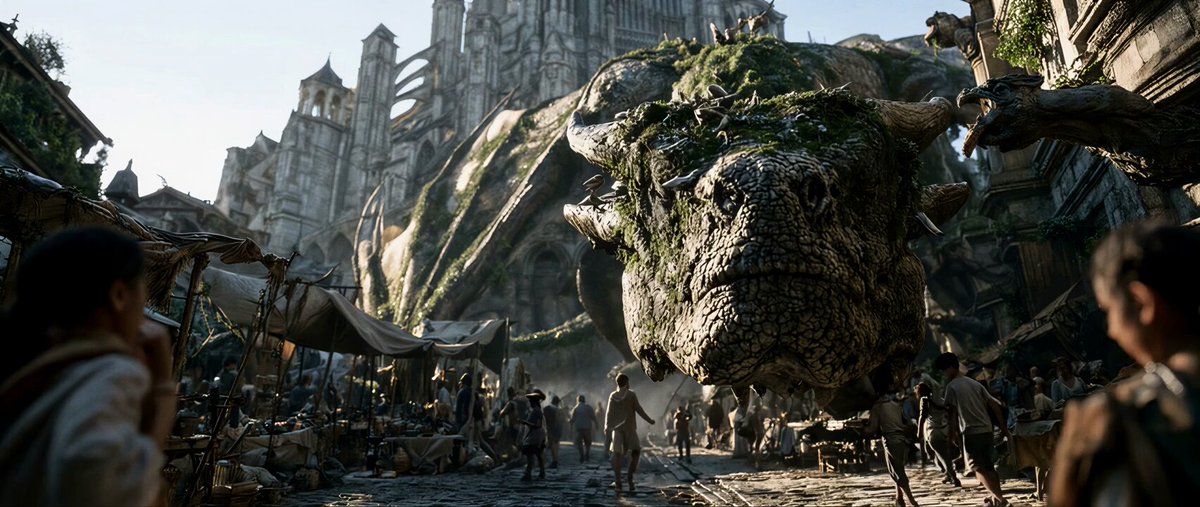
Flux3 Image & Video Results
From high-detail images to cinematic motion, see how Flux3 handles visual styles, camera movement, and video generation.
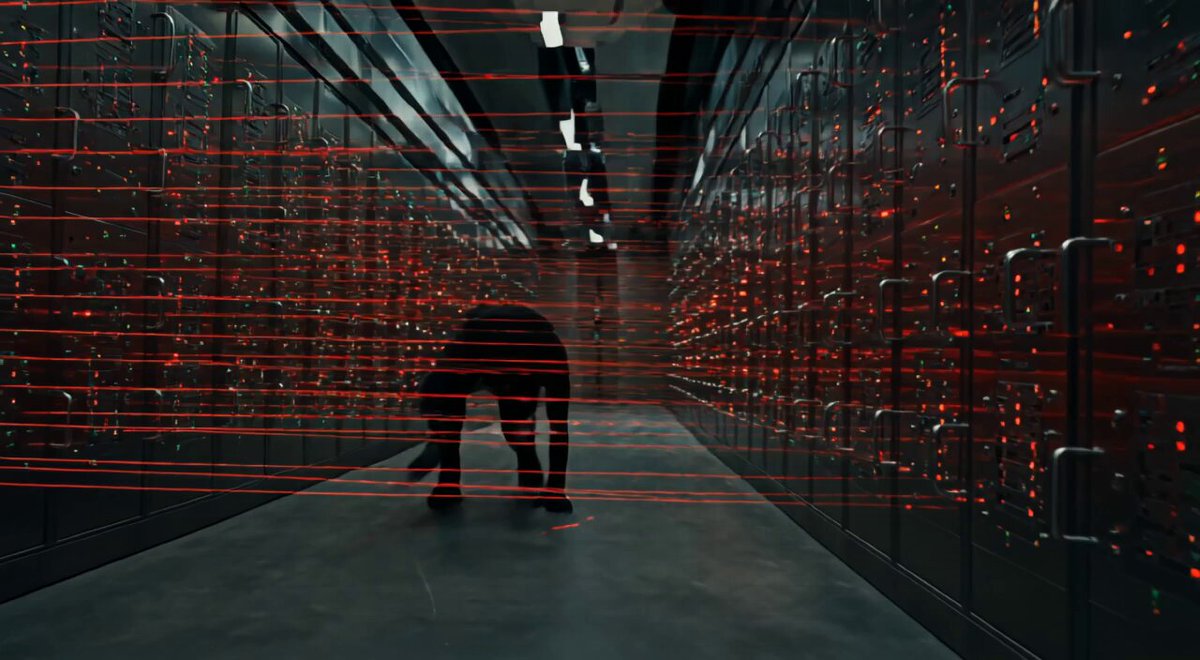
Server-Room Intrusion
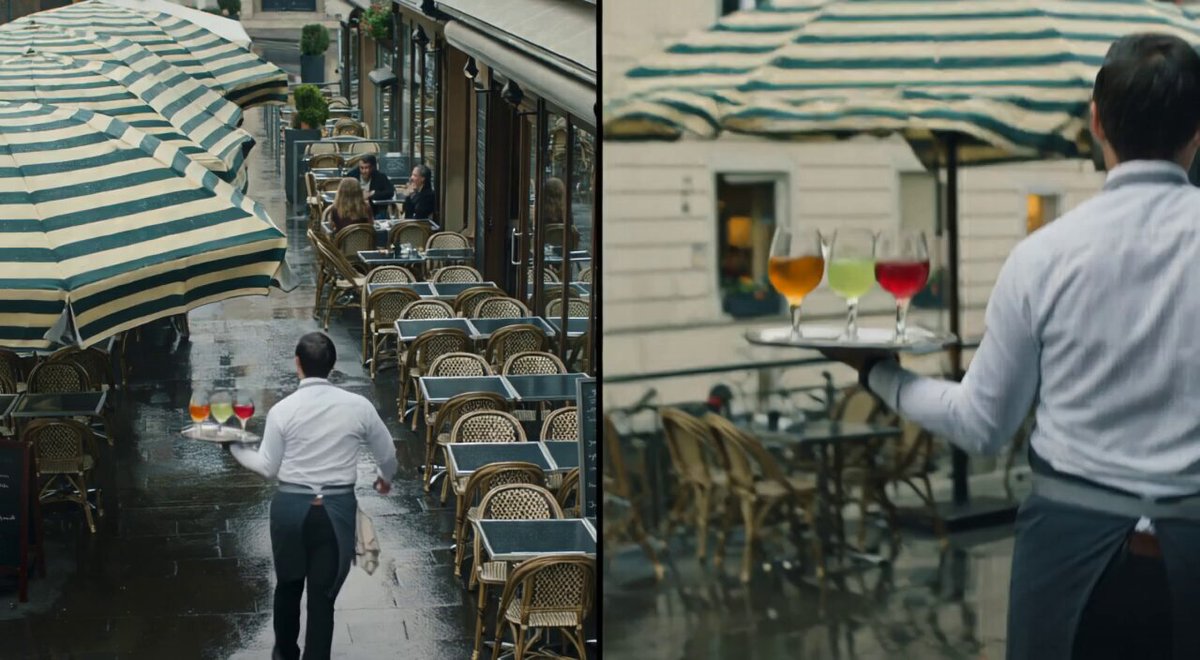
Rainy Cafe, Two Angles
Storm-Field Motion
Alpine Descent
Ocean Dynamics
Wet-Weather Pursuit
Mirrored Ballroom
Stop-Motion Kitchen
Generate Flux3 Images and Videos in One Workspace
Start with prompts and references, then control the frame, camera, and output in one direct image and video workflow.
Define the subject, composition, and style in your prompt, then use reference images to lock in people, products, and visual direction.
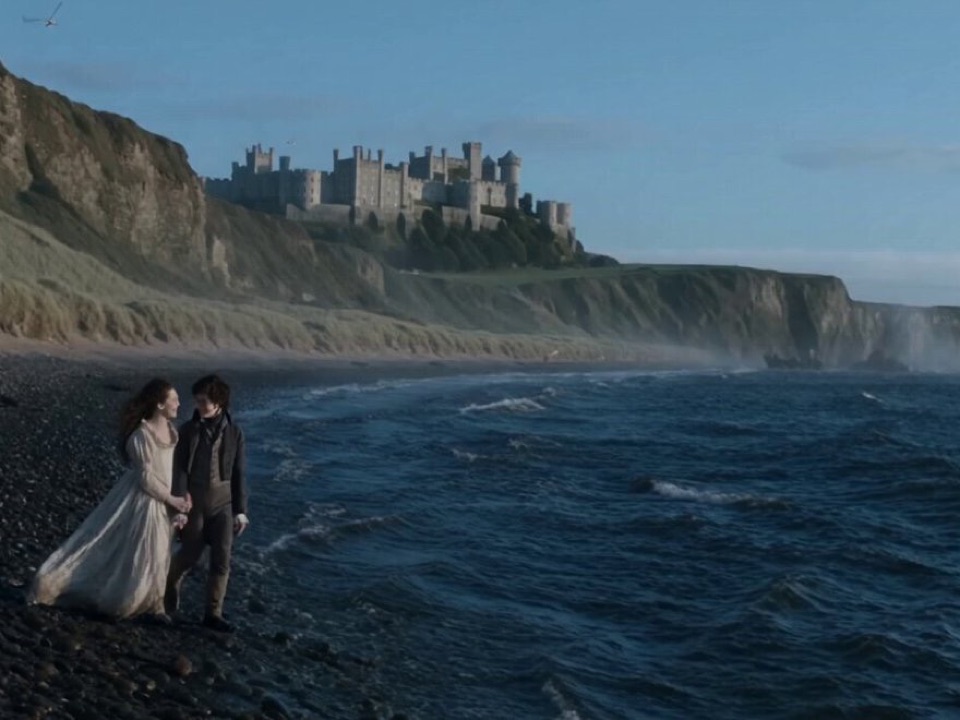
Generate Flux3 Images and Videos in Three Steps
Start with a prompt or reference, choose image or video, then generate and download the result.
1
Choose Image or Video
Select image generation, image editing, text-to-video, or image-to-video for your goal.
2
Add Prompts and References
Describe the subject, style, composition, and camera, then add images, clips, or keyframes when needed.
3
Generate, Compare, and Download
Run the task, compare results, continue refining from your creation history, or download the finished asset.
Core Flux3 Image and Video Capabilities
Image generation, video creation, reference controls, and audio come together in one multimodal workflow.
Image Generation and Editing
Generate high-quality images from text, or edit composition, style, typography, and details in an existing image.
Text-to-Video and Image-to-Video
Generate videos up to 20 seconds from a prompt or still image while preserving subject and scene continuity.
Image and Video References
Use images and clips to control characters, products, style, camera direction, transformations, and continuation.
Keyframes and Camera Control
Set key moments, opening and ending frames, and motion direction for more controlled camera changes and transitions.
Native Audio and Multilingual Dialogue
Generate dialogue, ambience, and sound effects with support for speech that stays aligned with the scene.
Generation History and Asset Management
Review image and video tasks, reuse prompts, continue refining, and download finished files in one place.
Simple Flux3 AI Pricing
Choose a credit pack or plan that fits how often you generate images and videos. Every task shows its credit cost before generation.
Starter
$12.9
Best for getting started.
- 100 credits
- AI image and video generation
- Image and video reference inputs
- Flexible image and video formats
- Fast cloud processing
- Standard support
Standard
$39.9
For frequent creators and teams.
- 400 credits
- AI image and video generation
- Image and video reference inputs
- Flexible image and video formats
- Priority processing queue
- Priority support
Premium
$99.9
For professional creative production.
- 1400 credits
- AI image and video generation
- Image and video reference inputs
- Advanced image and video controls
- Fastest processing speed
- Dedicated support
Flux3 Image and Video Generation FAQ
Learn about image generation, video generation, references, keyframes, native audio, credits, and saved work.
Start Generating Flux3 Images and Videos
Enter a prompt, add image or video references, then generate, refine, and download in one workspace.